
Lockpick2.0 is a hard difficulty set of malware analysis challenges based on a ransomware virus. The description is “We’ve been hit by Ransomware again, but this time the threat actor seems to have upped their skillset. Once again a they’ve managed to encrypt a large set of our files. It is our policy NOT to negotiate with criminals. Please recover the files they have encrypted – we have no other option! Unfortunately our CEO is on a no-tech retreat so can’t be reached.”
This will be like the previous post where we just analyze the malware instead of answering every question. The first thing I do is decompress the files. We get a folder with the malware executable and a folder with the encrypted files along with a ransom text. Running the file command on the ransomware executable we get it is an ELF file.

Lets go ahead and open it up in Binary Ninja. Looking at the code inside, it is pretty much unreadable. I assume it is packed. Lets check.
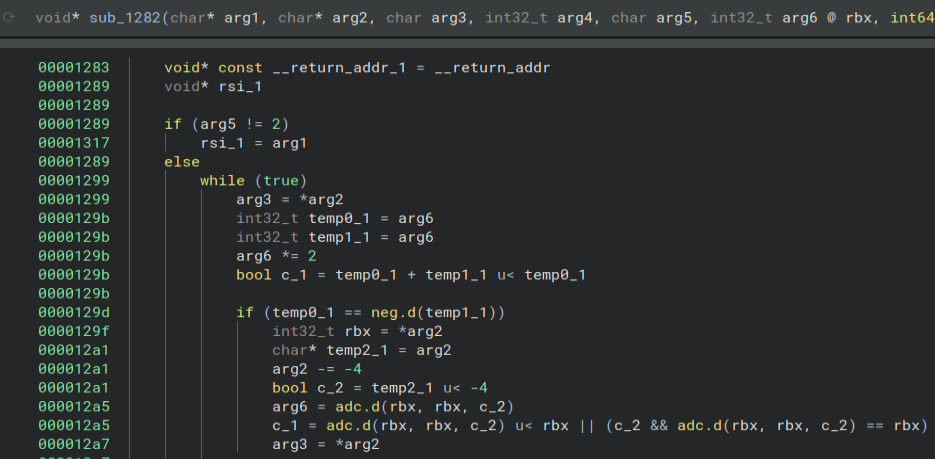
There are a few ways to do this. You can use a program such as Detect It Easy or look at the strings of the executable for a hint. Looking at the strings this is the first one.

Now opening it up in Detect It Easy we get this.
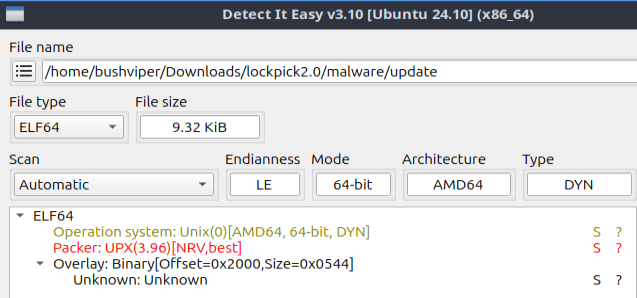
Looks like it is definitely packed with UPX. Luckily for us it is easy to unpack so lets do it. I install upx then use “upx -d update” to unpack it.
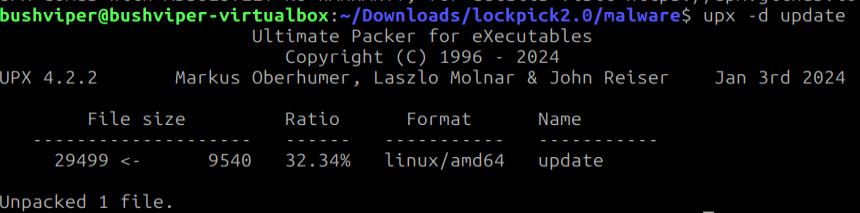
Now when we run the file command on the executable we get a lot more info.

Now back to opening it in Binary Ninja. Now this code is much nicer.
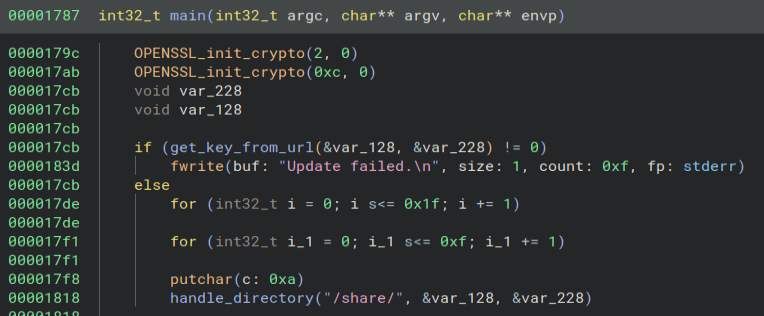
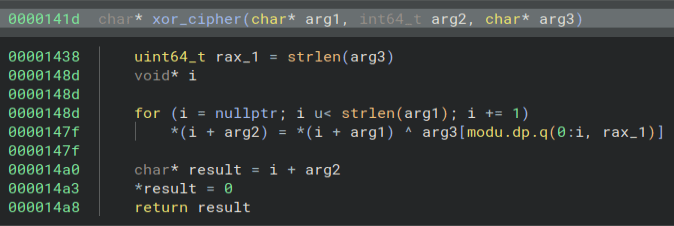
Looking around at some of the code I find a few interesting things. We have our classic XOR function.
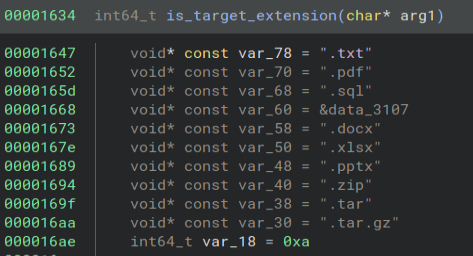
There is a list of file extensions.
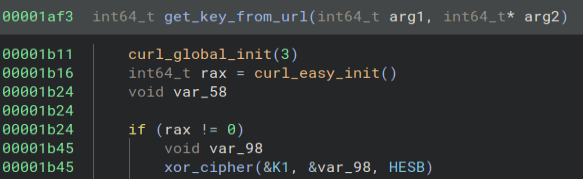
We download a key from the internet.
And here is where we use that key to encrypt the files. Looks like instead of just XOR encryption, we are using AES-256-CBC encryption. We need a way to get that key.

Going back to the get_key_from_url function, it looks like the arguments to the xor_cipher function are the key and data. Let’s write up a simple Python script to decrypt that. Here is what the script looks like.

Running the script does give us a URL.

The xor_cipher function is called in other places as well, but we can ignore those as we already have what we need. Going to that URL downloads a file named updater. Running the file command on it gives us this.

Opening it up in a hex editor gives us this.

Now, we know the key should be 32 characters long since it is 256 bit AES as seen in the code earlier, so the characters after the first 32 must be the IV. Next, we open up CyberChef and use the AES Decrypt as the recipe. Then we put in our key and IV and select the PDF file as our input and download it. Looks like it worked!
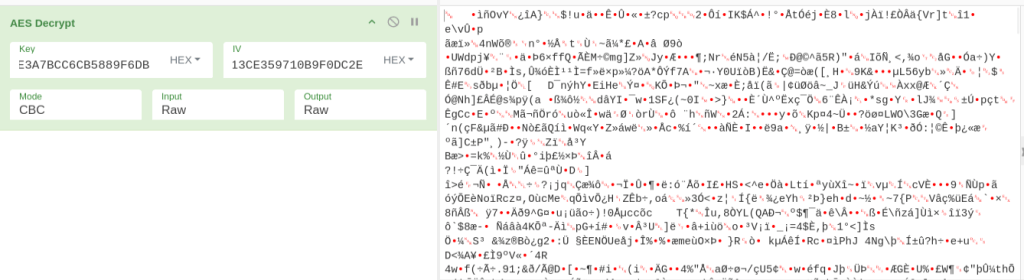

Now, we can do the same thing with the DOCX file and we can answer all of the questions! One small note, the DOCX file was not able to be opened in Libre Office on my Ubuntu VM, but I was able to open it on a website, so be warned of that.
This was a really fun challenge as I have never really dealt with AES encryption before so there was a lot to learn. I do wish I wrote a Python script to decode the files with the AES key, but I did not end up doing it. Thanks for reading and happy reversing!
 bu5hv1p3r's site
Leave a comment