
Eat the Cake! is a easy reversing challenge on Hack The Box. The description is “Find the Password and enter it in the form HTB{password}”
The first thing we are going to do is run the file command on the binary.

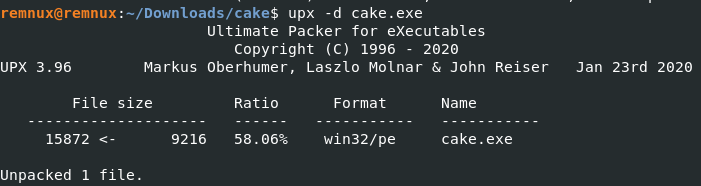
As we can see this is a Windows binary, and it is UPX compressed. Let’s go ahead and uncompress it with upx -d cake.exe
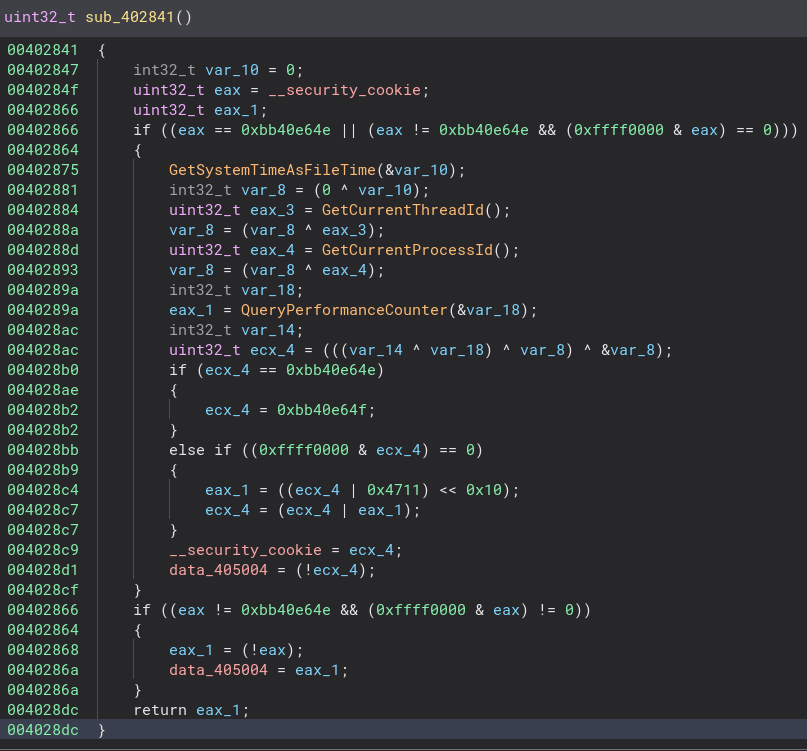
Now that it is uncompressed let’s throw it into Binary Ninja. This is the function that is called from “_start” There is not a lot going on with this function so let’s check out the next function called from “_start”
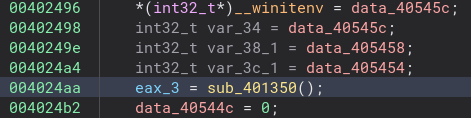
This function is too long to fit in a screenshot and most of it is unimportant, but there is another function call in there so let’s check that out.
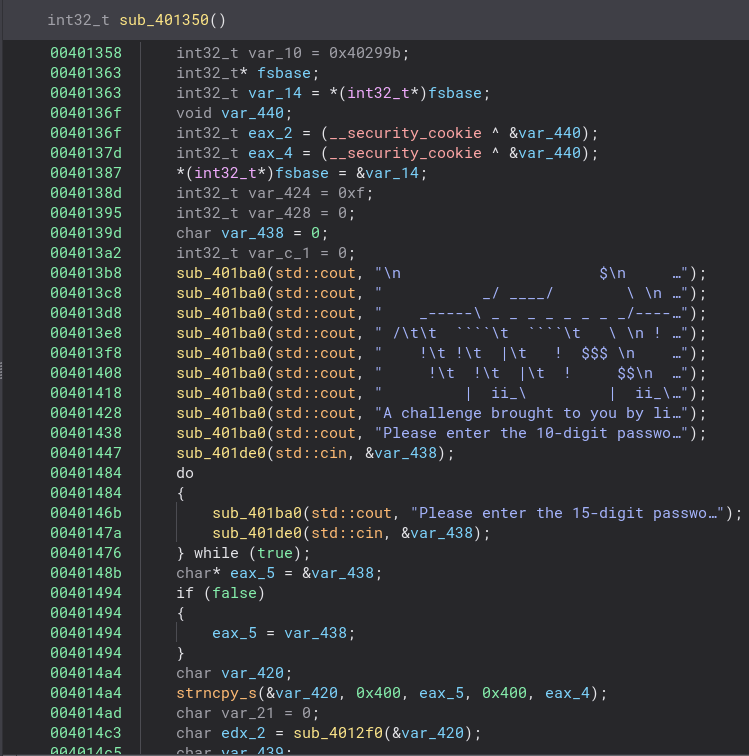
Now this is what we are looking for! This function is also quite long so let’s look around and see if we see anything really interesting.
Here is the code that sets the success message. If we can just work backwards from here we can hopefully get the correct password. We can see to get to this message “edx_2″ and eax_6” need to not equal 0. So the next step is to find out where they get set. Let’s start with “edx_2”

As we can see here “edx_2” is the return of the “sub_4012f0” with the argument of “var_420” function. Let’s go see what “var_420” is.

Looks like “var_420” is just our input moved around a bit and string copied. Now that we know this we can investigate the function.
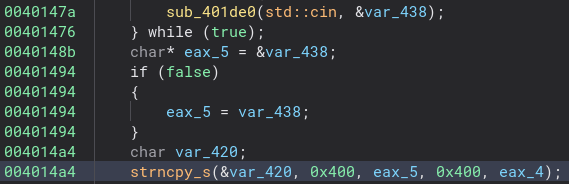
This is a pretty simple check to see if part of the password is correct.

We can clean it up a bit by changing the argument type to “char*” instead of “void*”, changing “arg1” to “input” since we know the argument is our input, and changing some of the hex numbers to decimal or letters depending on what they should be. It makes it a ton easier to read and understand what is happening in the code. Now we know for our password must have a three in the seventh slot, a one in the thirteenth slot, a ‘t’ in the fifth slot, and a ‘p’ in the eight slot. ____t_3p____1__ is what we have so far. We also know the password is fifteen characters long from earlier in the code.

Now let’s go back to the other function and figure out the rest of this password. As we can see we have a ton of if statements. This must be where the rest of the string is checked.
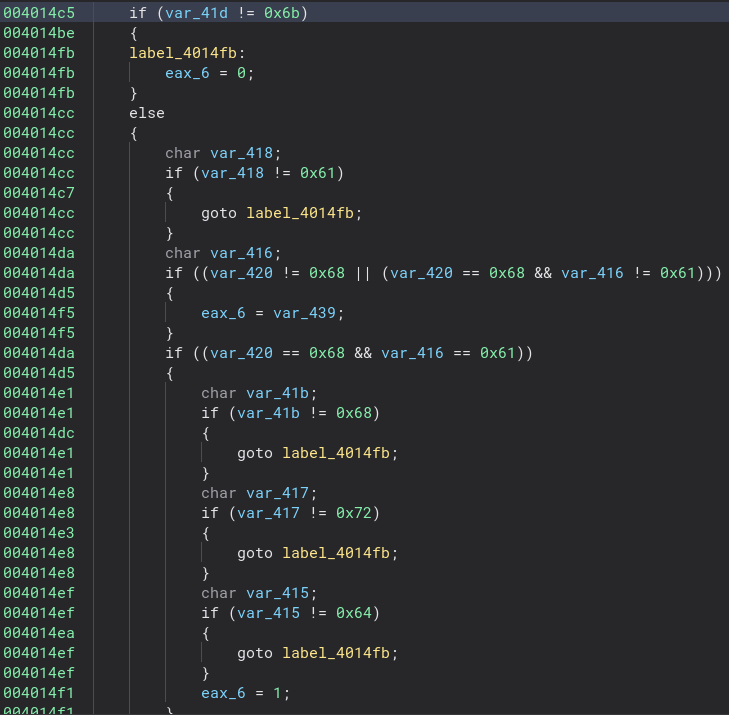
Now if we clean this function up a bit, the check becomes very easy to see. First I changed the name and type of the variable “var_420” to “char input[15]” since that is the length of the password and now everything becomes super easy to read. Now all we have to do is go through and add all the correct characters to our password!
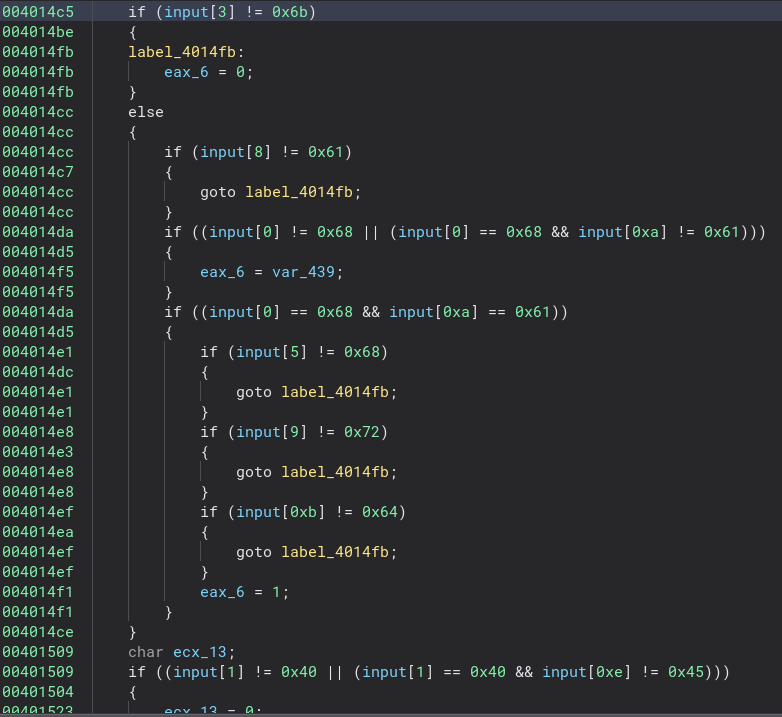
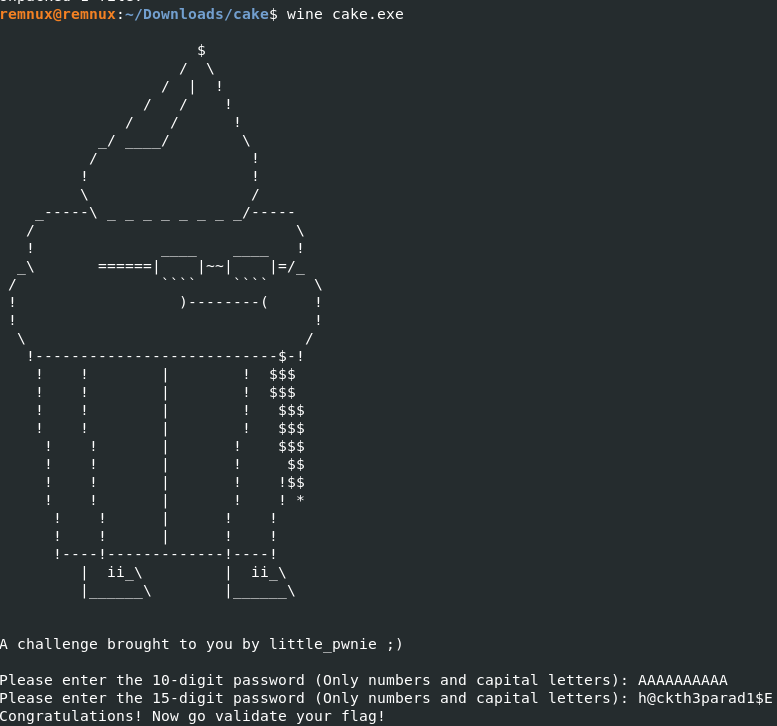
After doing that we have a string “h@ckth3parad1$E” Let’s give it a test. Since we are on Linux, we are going to have to run the binary through wine using the command wine cake.exe From looking at the code we know the first input they ask for is just overwritten by the second input so we can ignore that. We put our password in for the second one and it works!
This was a pretty fun challenge. Thanks for reading and happy reversing!
 bu5hv1p3r's site
Leave a comment